Get the app.
Do the paperwork on site.
Android
Phones and tablets
/images/android.png
Version 1.0.0 · 4.3 MB · Android 7.0 and later
We give you the app file directly rather than putting it through the Play Store, so your phone will ask you to confirm a couple of things on the way. Both are normal.
-
Chrome will warn that “this type of file can harm your device”. It shows that for every app file, whatever it contains — it is not something it has found in ours. Choose Download anyway. -
You will then be asked to allow Install unknown apps for your browser. Android only asks once, and only for the app you are installing from. -
The app opens the same site you use in a browser, so day-to-day updates reach you without reinstalling anything. We will post a new file here only when the app itself changes.
If you already installed a test build from us, uninstall it first. Android will not replace a test build with this one, because the two are signed differently.
SHA-256, if you want to check the file you downloaded: b96210b7cf0402cd90715e1538f1f7d3099271f18f2ca55183b8df0f2e101b08
iOS
iPhone/Safari
/images/ios.png
No download · Added from Safari · Opens full screen
Takes about ten seconds in Safari.
- 1 Open fredconsol.co.uk in Safari. It has to be Safari — Chrome and Firefox on iOS cannot add to the home screen.
- 2 Tap the Share button — the square with an arrow pointing up, at the bottom of the screen.
- 3 Scroll down and tap Add to Home Screen.
- 4 Tap Add. The FredConSol icon appears on your home screen and opens full screen, like any other app.
Sign in once and it stays signed in. Everything works as it does in the browser — the one difference is that files you download open in a new tab for you to save, rather than going straight to Files.
What it actually looks like
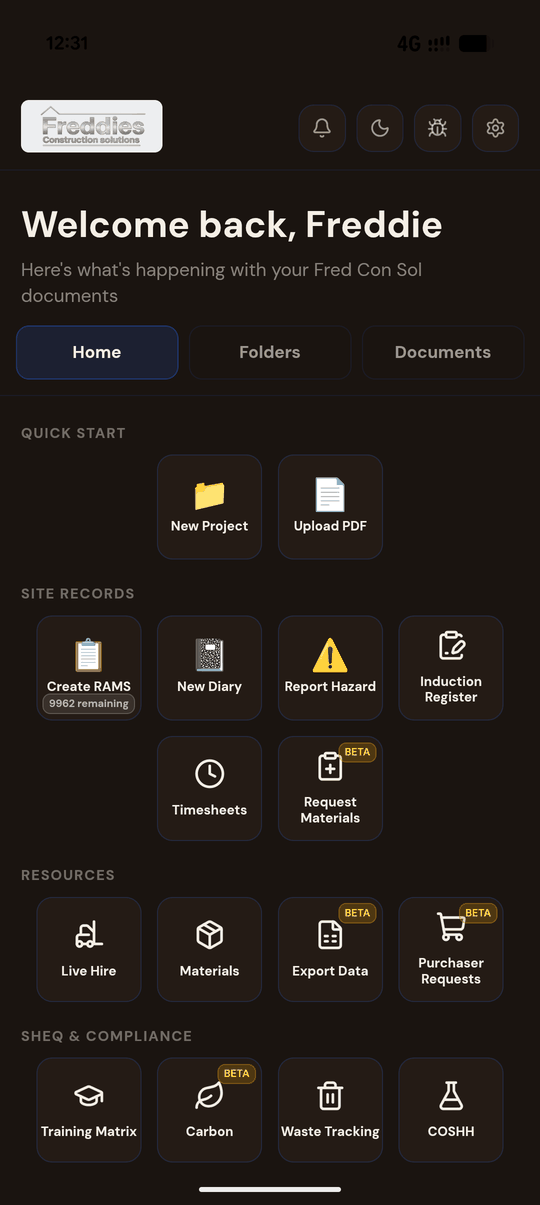
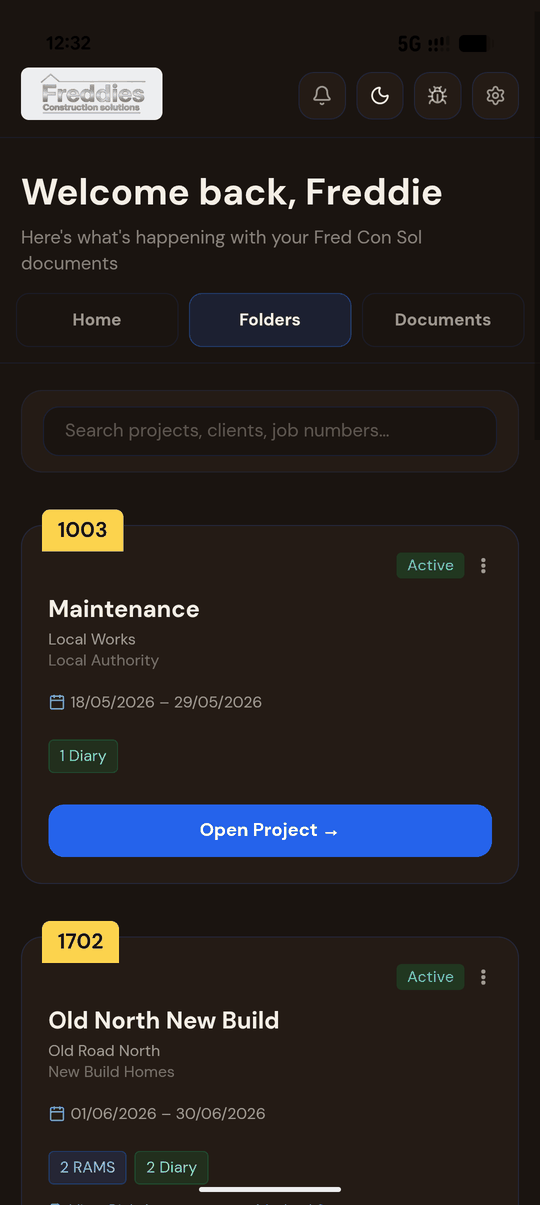
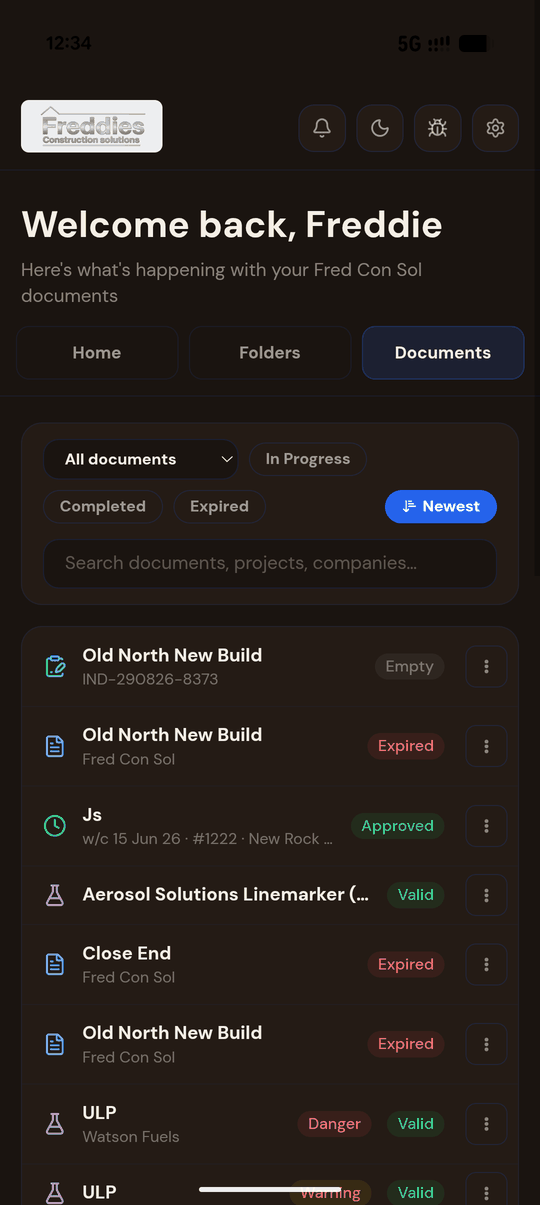
The real app, not a mock-up. Light and dark both ship.